Documentation / Getting started
Troubleshoot the first run
The most common causes of a failed first run, and how to resolve each.
Applies to Glyphox 1.0.10
"Run needs Node.js 24.22.1 or later"Install Node.js 24.22.1 or later, then restart VS Code.
node -v displays the installed version.Installation or the Prisma download failsRun
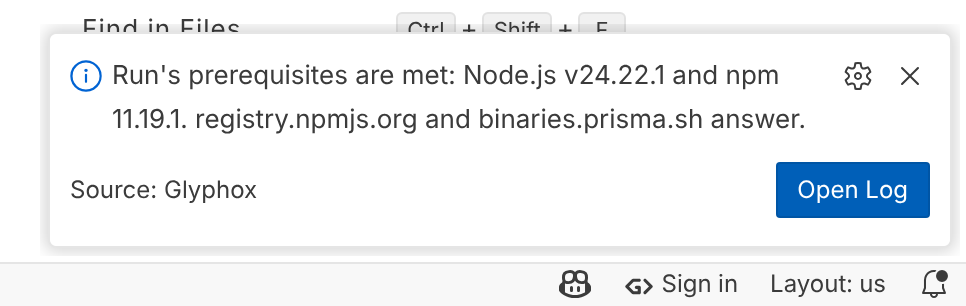
Glyphox: Check Run Prerequisites. It checks Node.js, npm, your registry and the Prisma engine host through your proxy, and reports what to correct.The port is already in useRun serves the application on a single port, 13000 by default. Change it with the
glyphox.run.basePort setting.A page shows Not allowedThe account you signed in with holds none of the roles the page requires.
admin@local is the platform administrator and holds none of the application's roles. Select Sign out, then select a role on the application's sign-in page.The Assistant does not respondOpen Glyphox Settings → Model and select a provider and a model. With the provider
vscode, the Assistant uses the model selected in the Chat view."Basic covers one solution."In the extension, select Remove the other solution. A removed solution cannot be opened for editing on this account again.
You are asked to sign in againSign in again on that computer. A sign-in is valid for 30 days and is not renewed automatically.
If none of these resolves the problem, contact support from the Contact page and include the text of the message you see.
If a step fails, see Troubleshoot the first run or contact support.