Download Glyphox for VS Code
Version 1.0.10. Built for VS Code 1.104 or later, on the desktop or in the browser. Editors based on VS Code can install the .vsix file. Glyphox is tested on VS Code.
glyphox-1.0.10.vsix · released 21 November 2026
By installing Glyphox, you agree to the Terms of use.
Install and verify
The SHA-256 checksum is that of the .vsix file. Verify it with sha256sum (Linux), shasum -a 256 (macOS) or Get-FileHash (Windows).
Install in VS Code
- Open the Extensions view, search for Glyphox and select Install.
- Alternatively, with the downloaded file, select ···, then Install from VSIX…, and choose the file.
Requirements
- VS Code 1.104 or later, on the desktop or in the browser
- Node.js 24.22.1 or later, to run your application and to build what you export
- An AI model for the Assistant: your own key for a hosted provider, Ollama or LM Studio, or the model already configured in the VS Code Chat view
- A free Glyphox account
- Optionally, an MCP-compatible coding agent. Glyphox provides an MCP (Model Context Protocol) server that allows MCP-compatible AI coding agents to connect directly to your application engineering environment, so you are not restricted to a fixed list. Examples include Claude Code, Codex, Cursor, GitHub Copilot, Gemini CLI and Kiro. Use your own coding agent or IDE describes the configuration
Sign in to get started
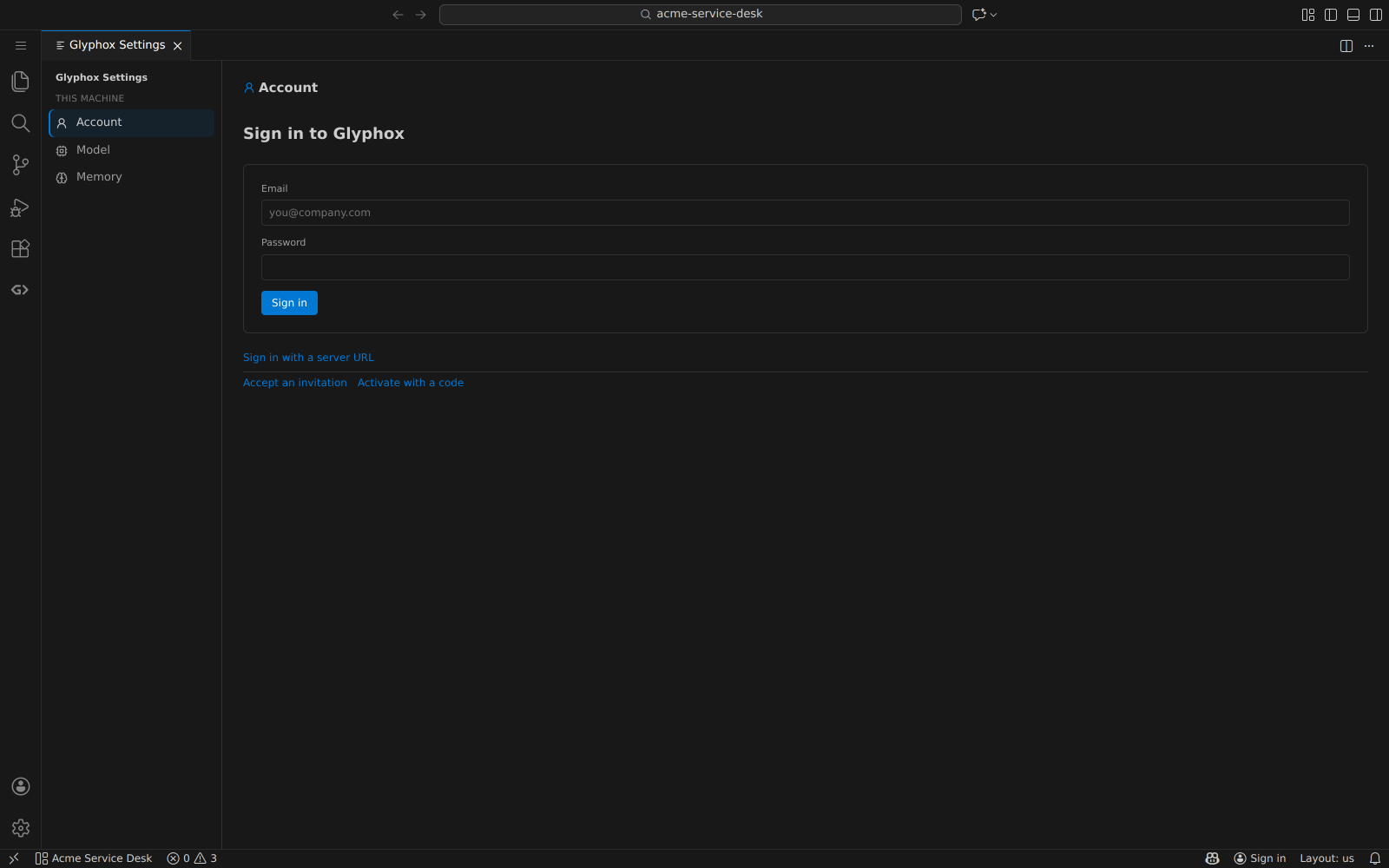
The extension asks you to sign in when it first opens. Each computer remains signed in for 30 days. Use the account you created on this website.
Build an exported application independently
Export a solution, copy the folder to a computer on which Glyphox has never been installed, and build it with npm.
Export is included for your first 30 days on the Basic plan.
Create your Glyphox account
An account is free and is required to use the extension.