Documentation / How-to guides
Use your own React component
Write a component or a page in code where the built-in components are not sufficient.
Applies to Glyphox 1.0.10
Any part of a page can be a code component: a .tsx file stored alongside the model and rendered by the page in the same way as a built-in component. Its properties appear in Properties, so the rest of the page can bind data to it.
A whole page can be written the same way. Its .tsx file is its body, and its .json file holds the route, the parameters and the roles.
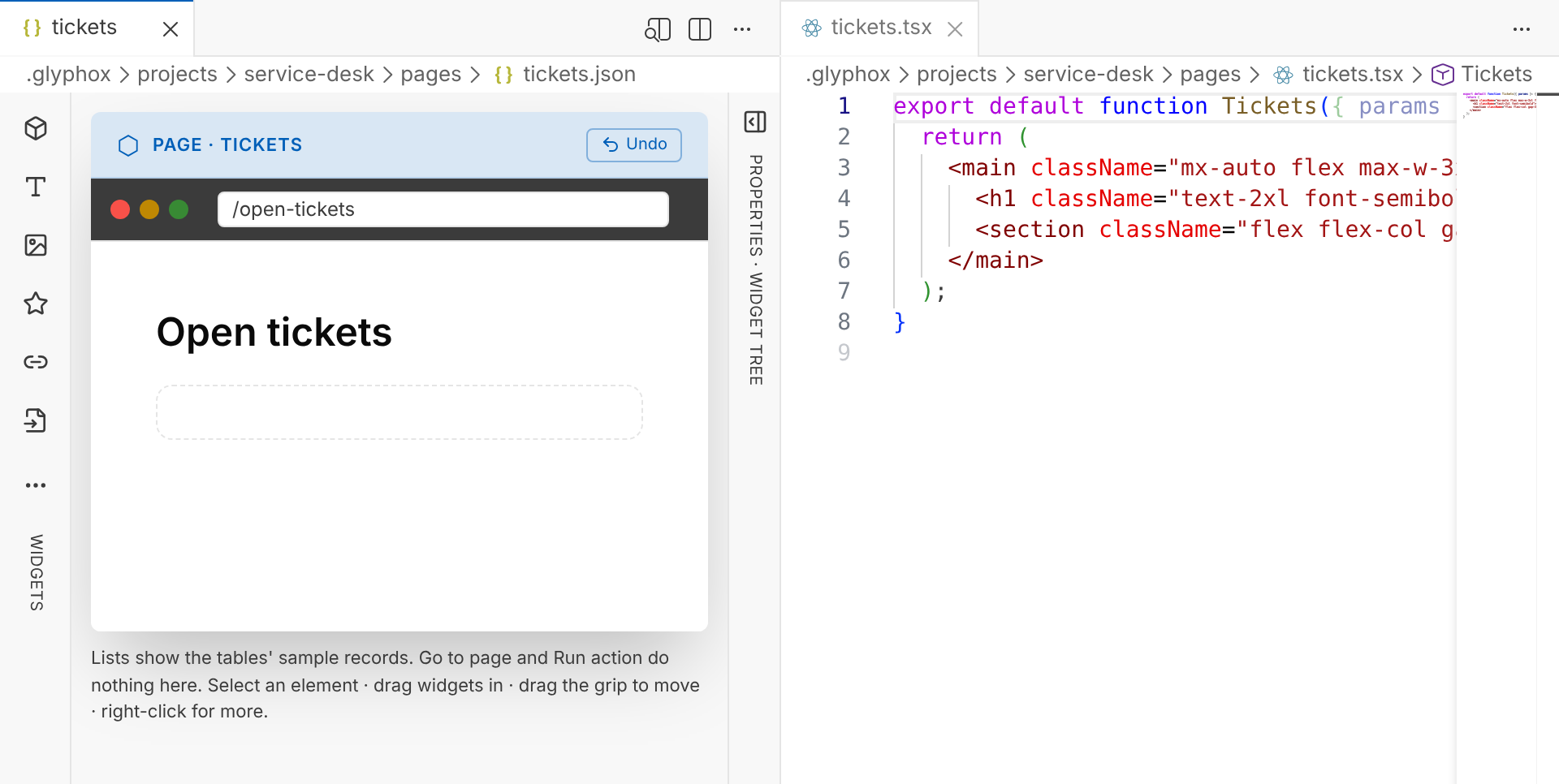
On the canvas of a page or a component written as code, right-click an element for Cut, Copy, Paste, Duplicate, Delete, Move Up, Move Down and Show in Code. A copied element can be pasted into another page or component, including one of another module, or into the code editor.
The model continues to manage everything around the component: the data it receives, the actions it calls and the page that places it.
If a step fails, see Troubleshoot the first run or contact support.