Documentation / Reference
Settings
Where each kind of configuration is set: on this computer, for a module, for the solution and in the running application.
Applies to Glyphox 1.0.10
Glyphox has a settings screen for each level of configuration. Use these screens first. The VS Code settings at the end of this page are the alternative for values you prefer to set in a settings file.
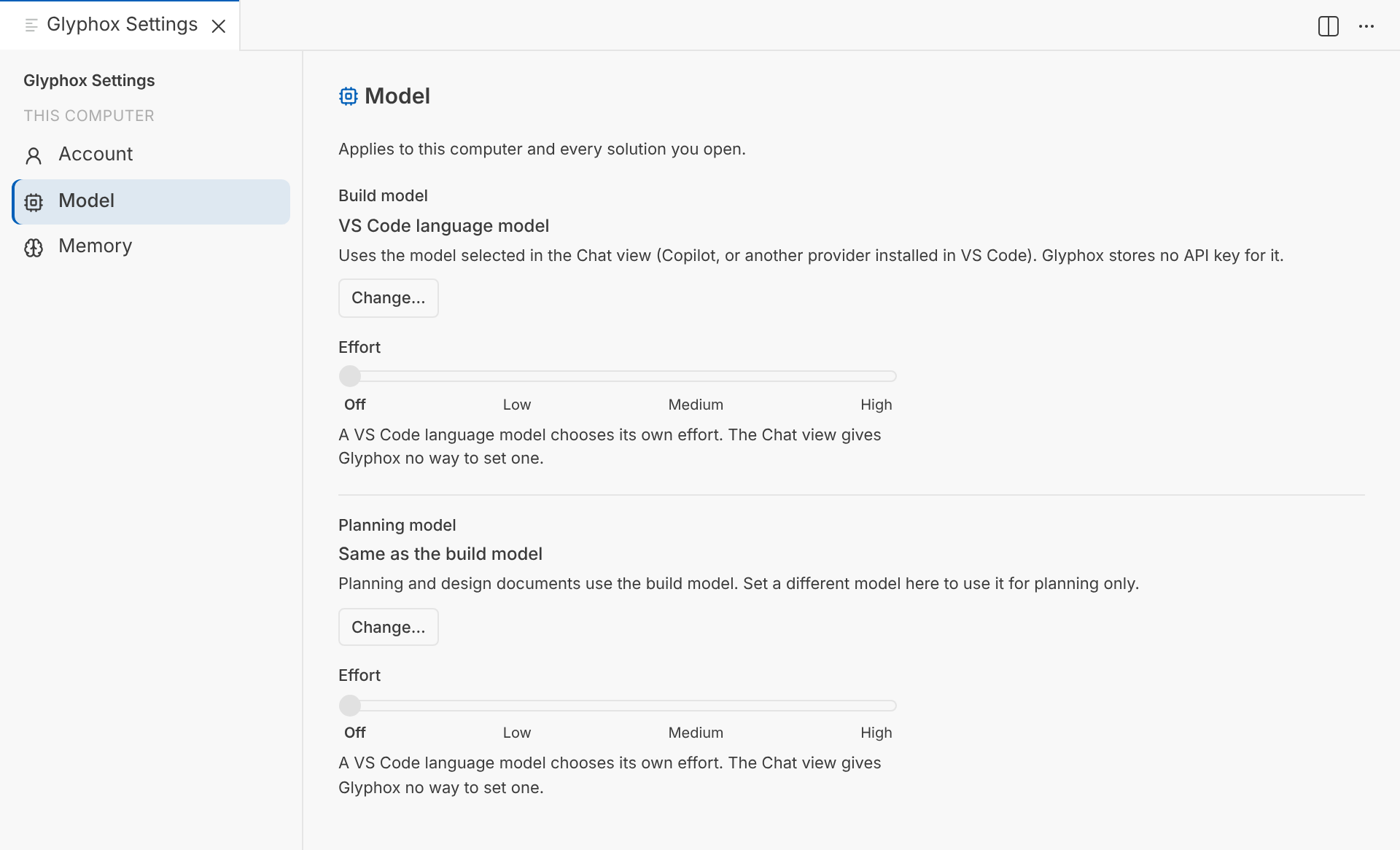
Glyphox Settings: this computer
Run Glyphox: Settings. These settings apply to every solution you open on this computer.
Module Settings
Run Glyphox: Open Module Settings. These settings belong to one module and are stored in the model.
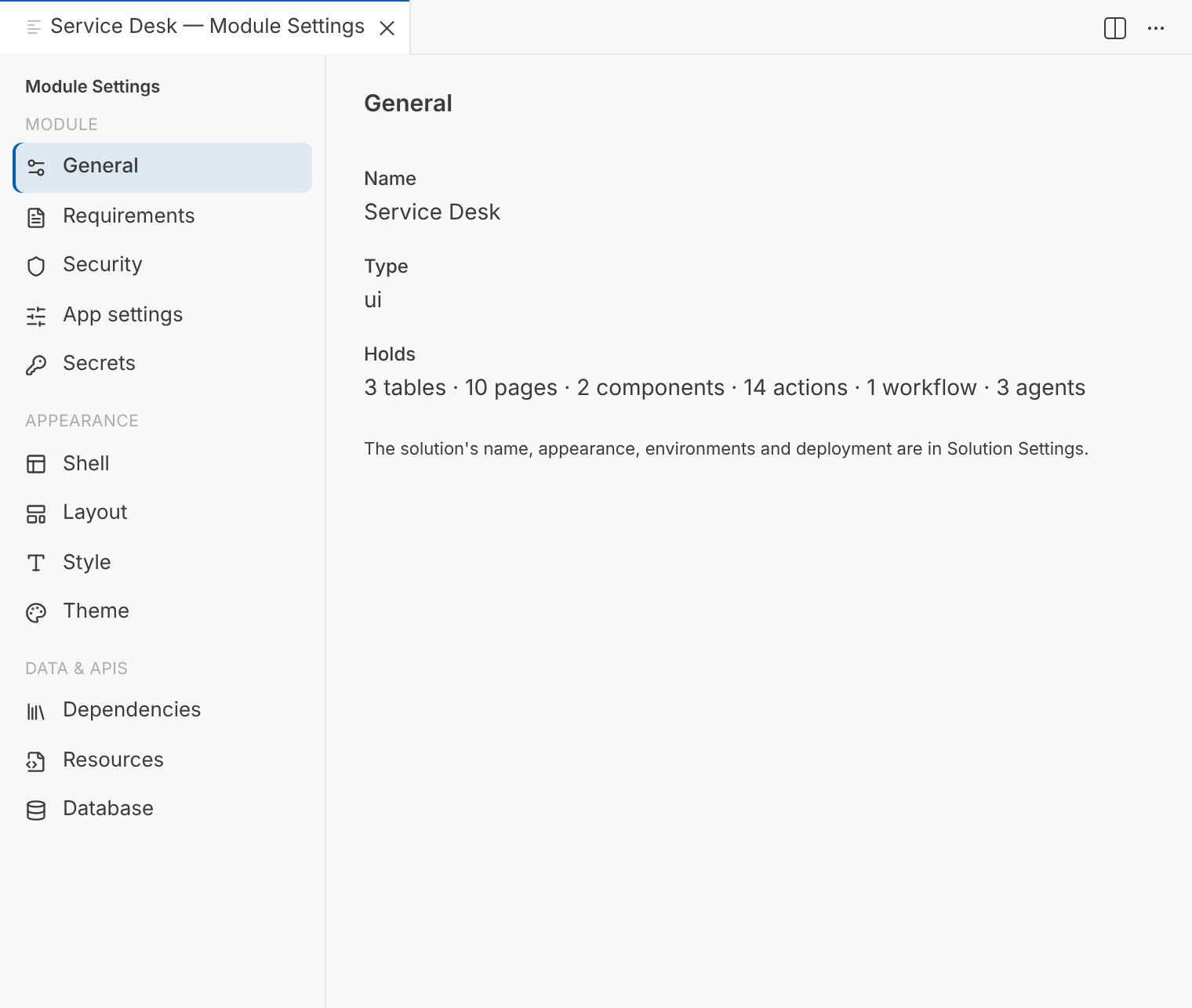
A module's client variables and data sources are not settings. They are listed in the Solution tree, where each one opens in Properties or in its own editor.
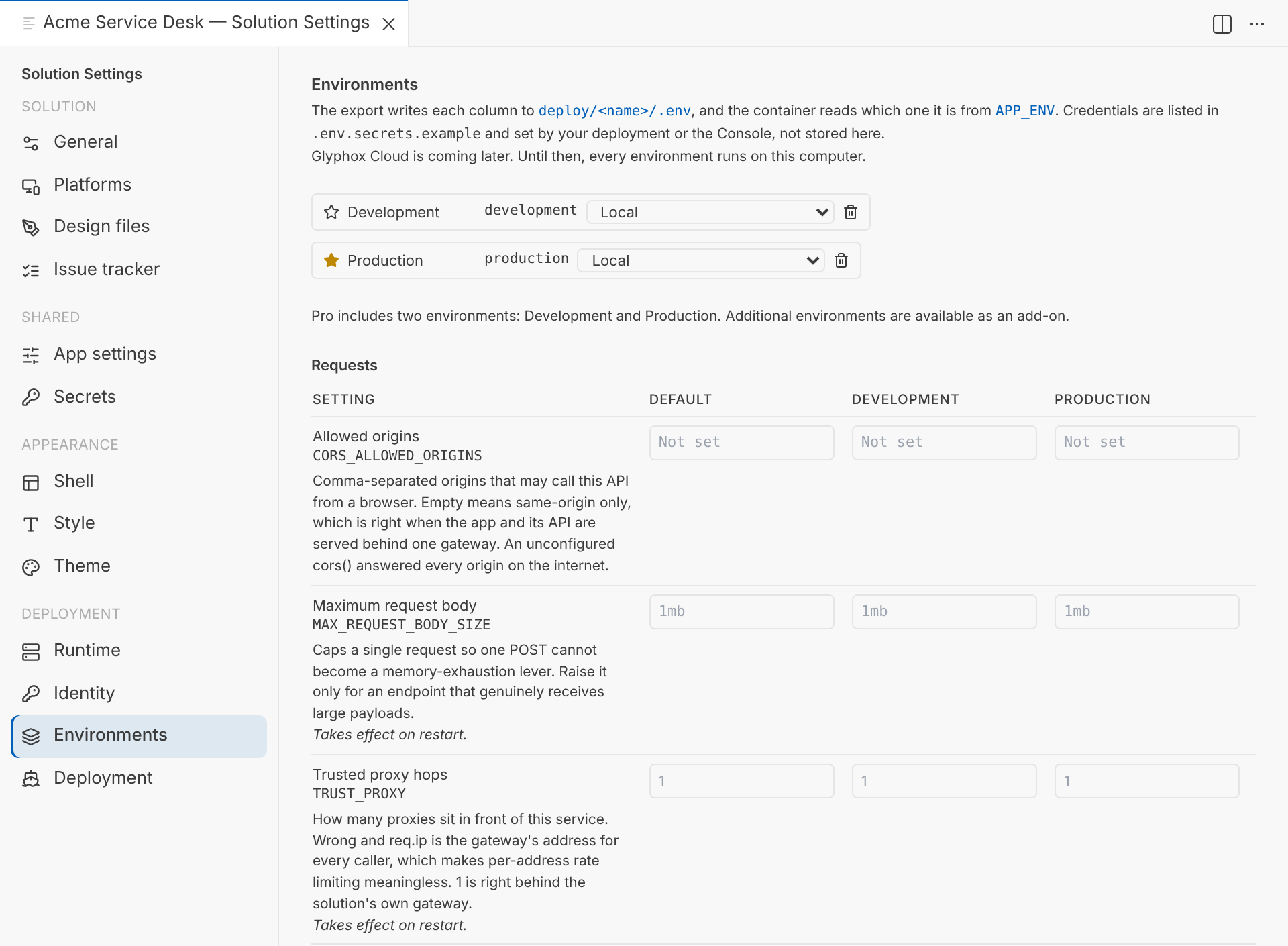
Solution Settings
Run Glyphox: Open Solution Settings. These settings are shared by every module.
The Console: the running application
Each running application has a Console at /console. An identity provider's tenant, client ID and secret, role membership and the platform settings of that environment are set there, so they change without a deployment.
Alternative: VS Code settings
The extension's own settings are also available in VS Code's Settings. Search for glyphox to see each one with its description.
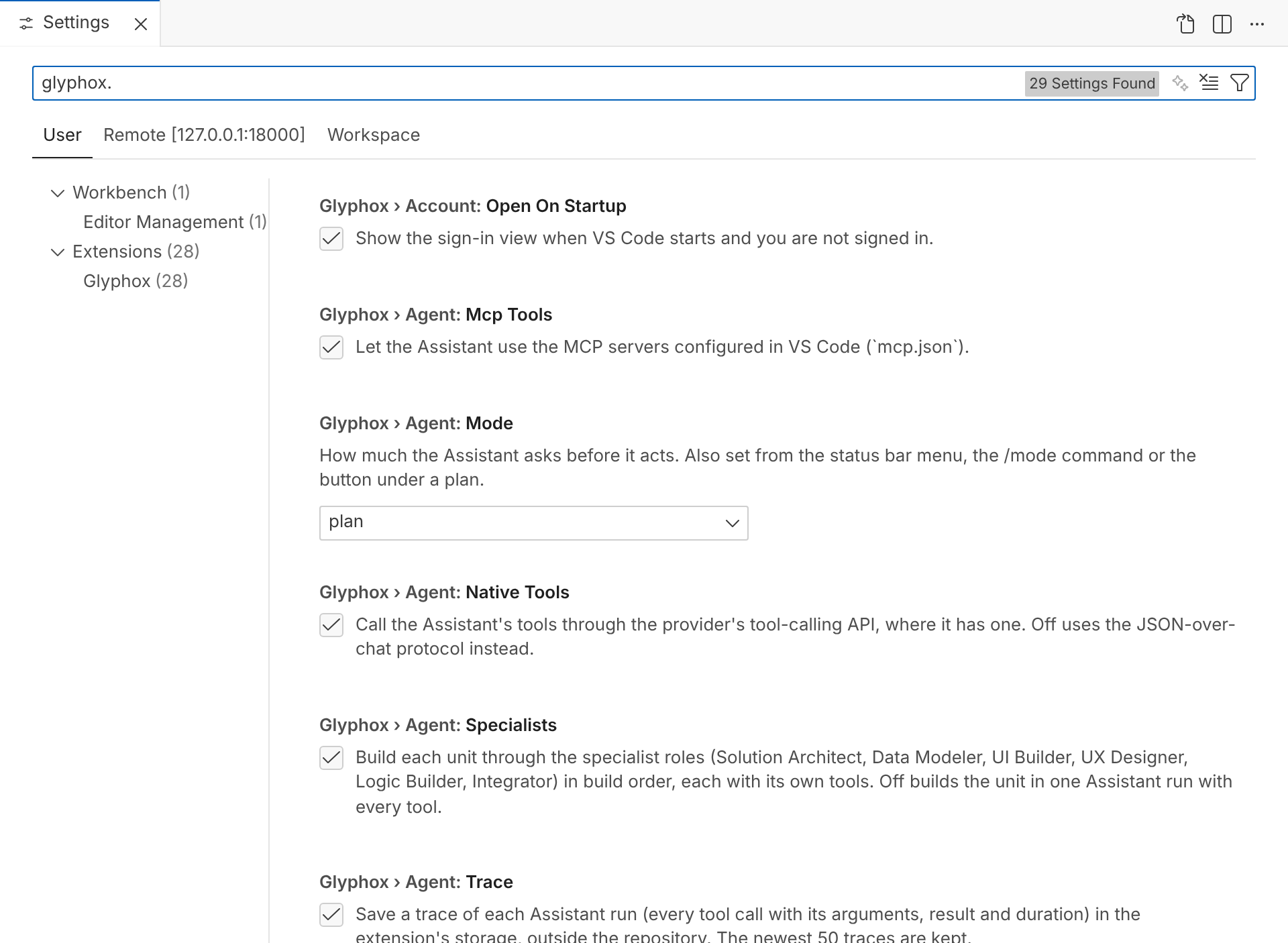
glyphox.The provider the Assistant uses. The default, vscode, uses the model selected in the Chat view. Glyphox Settings → Model sets this value.glyphox.The port on which Run serves the application. The default is 13000.glyphox.Allows a device on the same network to reach a local run.glyphox.The folder to which Publish writes the generated code. The default is generated.glyphox.Allows the Assistant to use the MCP servers configured in VS Code. On by default.glyphox.Serves Glyphox's tools as an MCP server on localhost. On by default.glyphox.Adds Glyphox to the project configuration of the coding agents and IDEs in use on this computer, such as Claude Code, Codex and Cursor, without changing any other entry. On by default. See Use your own coding agent or IDE.glyphox.The Glyphox Server to sign in to. When it is empty, Glyphox's own service is used. Operating your own Glyphox Server is part of Enterprise. On other plans the extension clears the setting.If a step fails, see Troubleshoot the first run or contact support.