Documentation / How-to guides
Connect to a PostgreSQL database
Select each module's database in Module Settings. Run uses SQLite locally, and the export connects to PostgreSQL.
Applies to Glyphox 1.0.10
Step 1: Select the database
Open Module Settings → Database and select PostgreSQL. The module's queries and schema are written for the database you select.
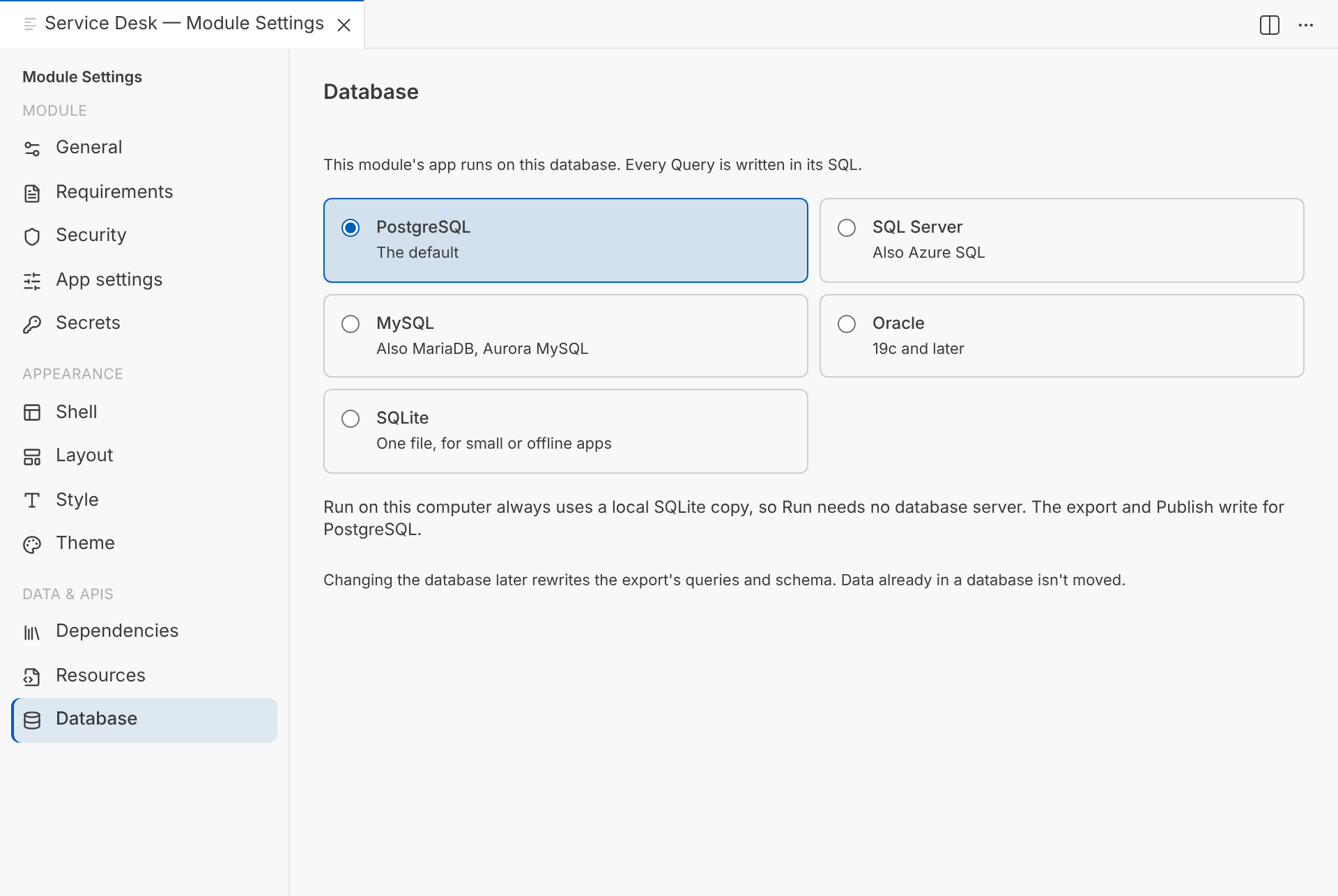
Run on this computer always uses a local SQLite copy, so Run needs no database server. Export currently produces PostgreSQL and SQLite applications.
Step 2: Set the values that differ between environments
Open Solution Settings → Environments. Each column is an environment, such as Development and Production. A value you enter for an environment is written to that environment's configuration when you export.
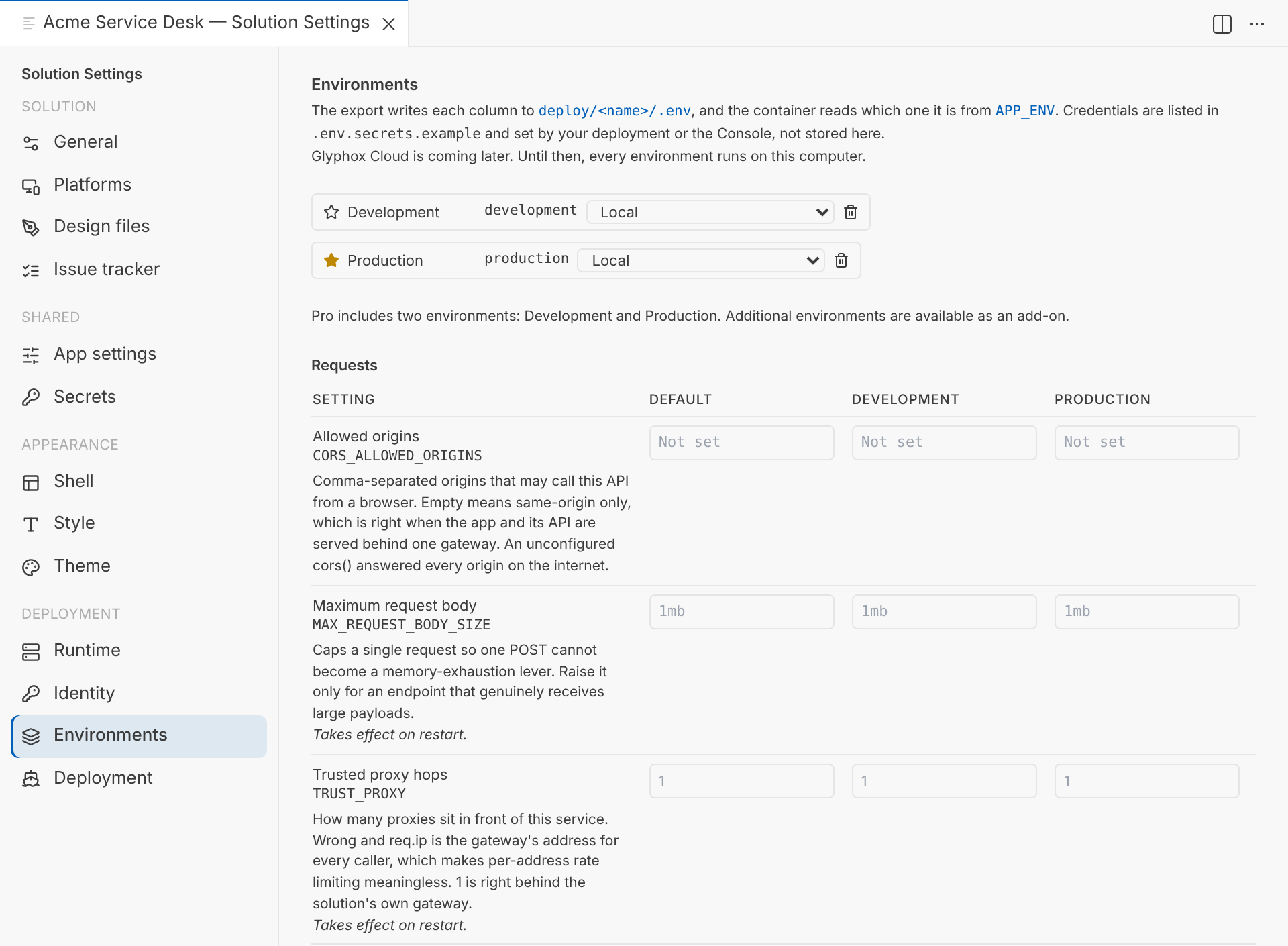
Credentials are entered under Sealed secrets on the same screen. A sealed value is stored encrypted and cannot be read back.
Step 3: Export or publish
The exported Docker Compose file starts PostgreSQL alongside the services and connects each service to it. No further database configuration is required to run the export.
Alternative: connect to a database server that you operate
A deployed service reads its connection from the DATABASE_URL environment variable. To use your own PostgreSQL server, set that variable in the service's environment, or in its .env file when you run the service from a terminal.
# services/<module>/api/.env
DATABASE_URL="postgresql://user:pass@host:5432/appdb"

$ npx prisma db push   # create the schema
$ npm run devIf a step fails, see Troubleshoot the first run or contact support.